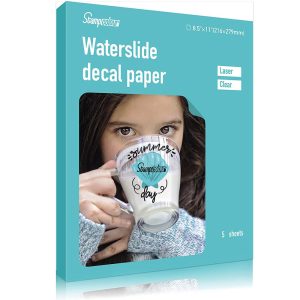

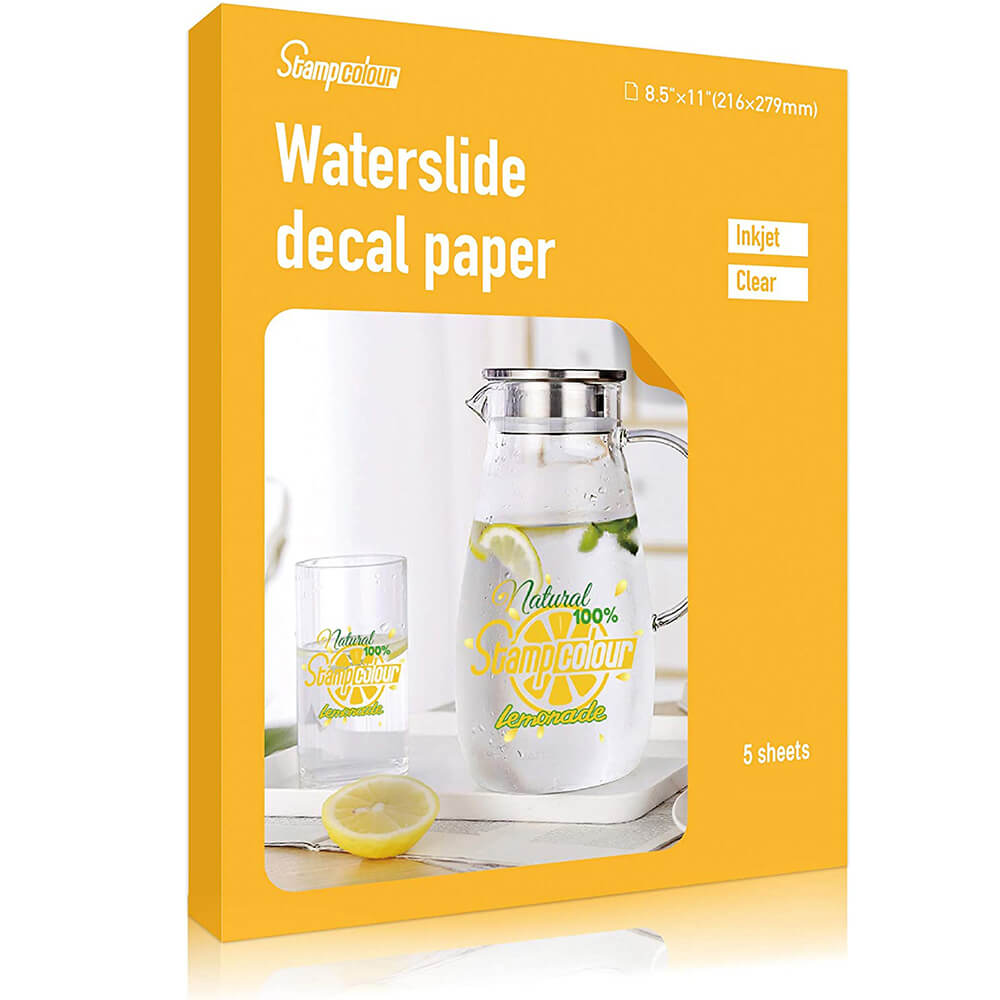



Waterslide decal paper for inkjet printers is a unique type of paper that enables you to transfer images or designs onto a surface using water. This type of decal paper is particularly useful for creating custom decals for various applications, such as glassware, ceramics, or even candles.
The paper is designed to be printed on using an inkjet printer and is available in transparent or clear color. The finish of the paper is glossy, which gives your decals a professional and polished appearance. The sheet size is 8.5×11 inches, which is a standard size for most printers.
To use the decal paper, you print your design onto the paper using an inkjet printer, cut out the image, soak it in water, and then apply it to your desired surface. The water dissolves the backing of the paper, allowing the image to transfer onto the surface. With transparent decal paper, the design appears as if it were printed directly onto the surface.
Overall, waterslide decal paper for inkjet printers is an excellent option for creating custom and personalized decals for various projects. Whether you’re looking to decorate glassware or add a unique touch to your home decor, this decal paper provides a simple and effective solution.
Waterslide Decal Paper For Inkjet Printer Transparent
Color: Transparent
Paper Finish: Glossy
Sheet Size: 8.5×11 inch Inches
Related Products
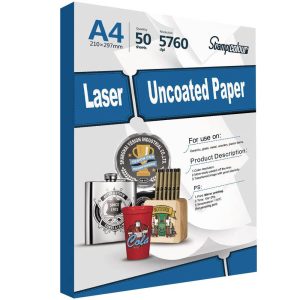
Laser Uncoated Transfer Paper
Print mode: Mirror printing
Printer: Low temperature laser printer
Transfer time: 15-25s
Transfer temperture: 175℃
Peel type: Cold peel
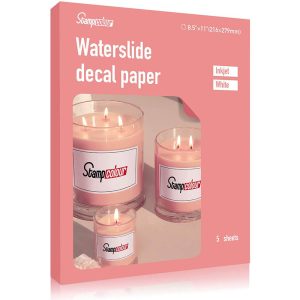
Waterslide Decal Paper For Laser Printer White
Color: White
Paper Finish: Glossy
Sheet Size: 8.5×11 inch Inches
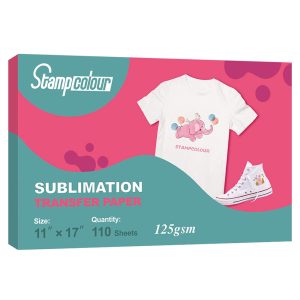
Sublimation Paper 8.5×11 inch 120 Sheets
【HIGH TRANSFER RATE】Over 98% transfer rate, NO fracturing, NO fade, Fast dry,Greater ink saving.Vibrant color,The finished products are beautifully decorated with bright.
【HIGH QUALITY】Our sublimation paper is tough enough to be washed repeatedly,The transferred image is durable,high temperature and sunshine without cracking, fading and wrinkling.
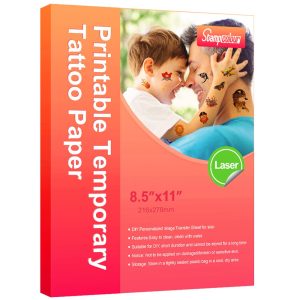
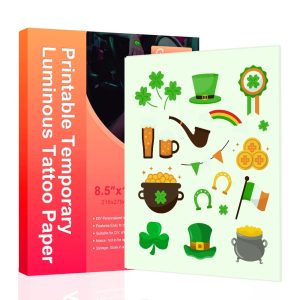
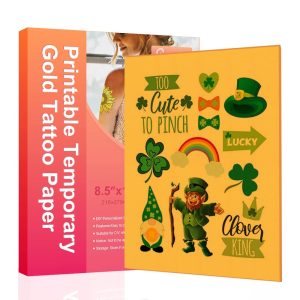
Temporary Luminous Tattoo Paper for Inkjet printer
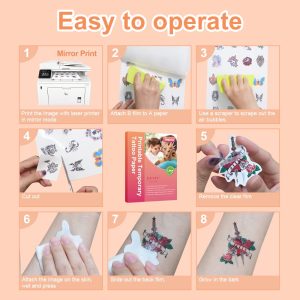
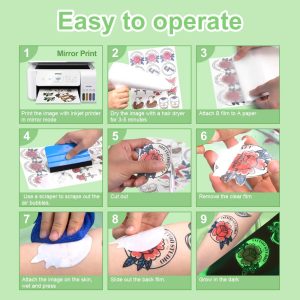
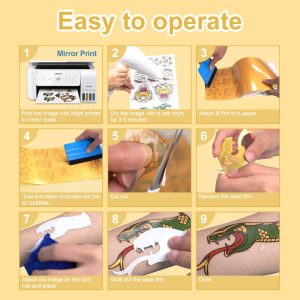
To use luminous tattoo paper, you’ll need to follow these steps:
- Design your tattoo using graphic software on your computer.
- Print the design onto the luminous tattoo paper using your inkjet printer.
- Let the printed sheet dry completely.
- Cut out your tattoo design using scissors or a craft knife.
- Remove the protective layer from the luminous tattoo paper.
- Place the tattoo design face down on the skin.
- Use a damp cloth or sponge to wet the back of the paper and apply pressure to the design for about 30 seconds.
- Slowly peel off the paper to reveal your temporary tattoo.
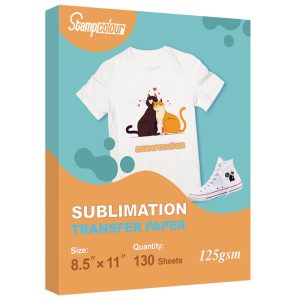
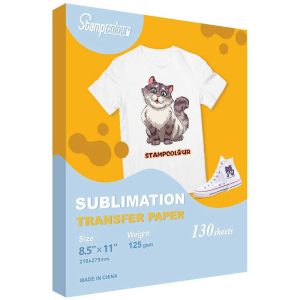
Sublimation Paper 8.5×11 inch 130 sheet
HIGH TRANSFER RATE: Over 98% transfer rate,,NO fracturing, NO fade, Fast dry,Greater ink saving.Vibrant color,The finished products are beautifully decorated with bright..
Waterslide Decal Paper For Inkjet Printer White
Color: White
Paper Finish: Glossy
Sheet Size: 8.5×11 inch Inches
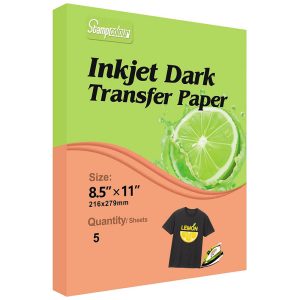
Inkjet Drak Transfer Paper
Color: Transfer Paper for Drak Fabrics
Paper Finish: Smooth, High Gloss
Sheet Size: 8.5-x-11-inch Inches
Sublimation Paper 8.5×11 inch 65 Sheets
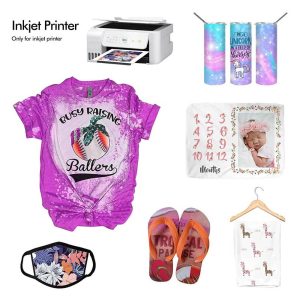
【COMPATIBLE PRINTERS & INK】 Works with sublimation ink. Compatible with ANY inkjet printer with sublimation ink, Epson, HP, Canon, Ricoh, Sawgrass, etc.
【WIDE APPLICATION】 Suitable for Cotton content<30% Light colored or White polyester fabrics(T-shirts, pillow cases,canvas bag, mouse pads Etc.), Coated hard objects (ceramic mugs,phone cases, puzzle,key,metal plate,tile Etc).